Quick start
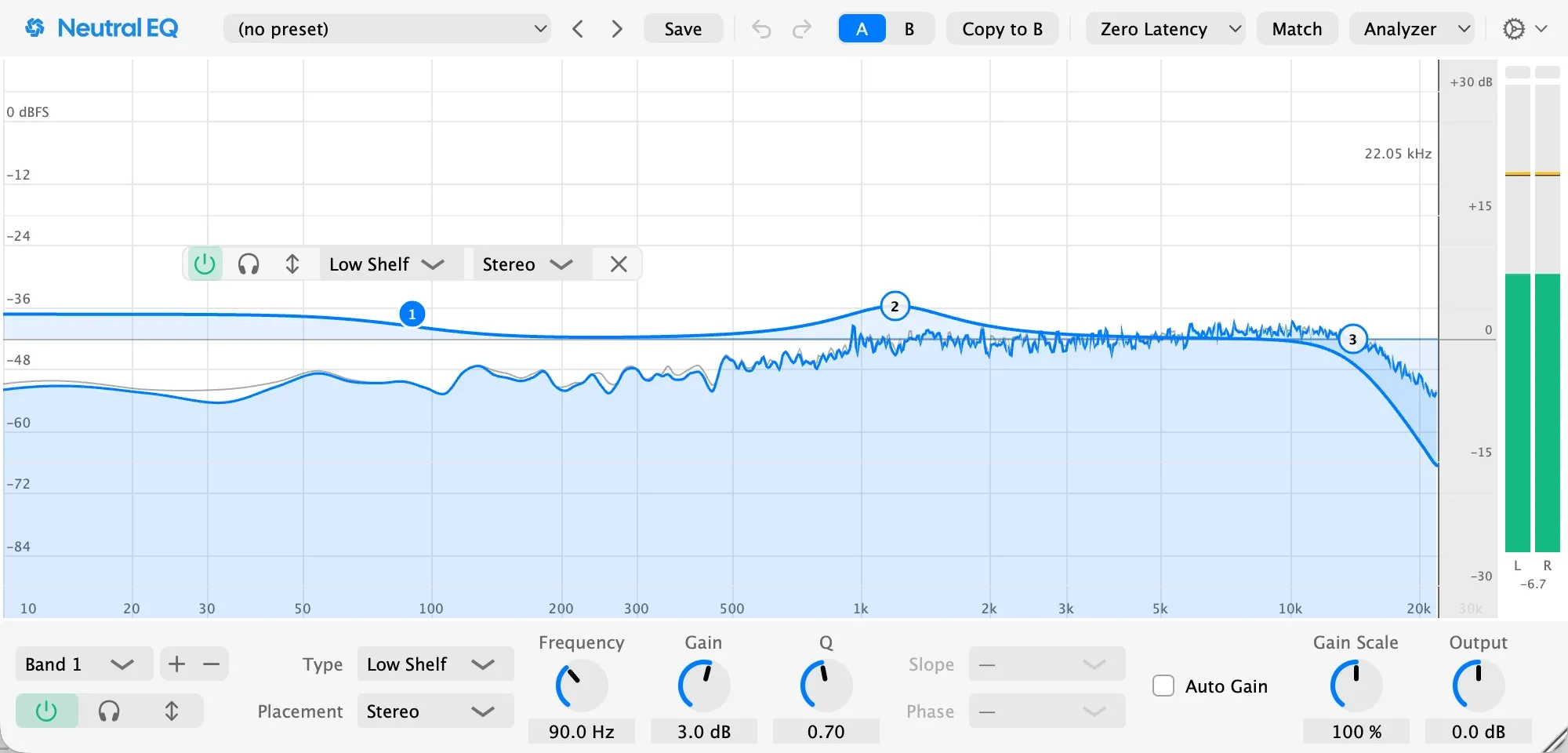
Neutral EQ is a parametric EQ with up to 24 bands drawn over a live picture of your sound. The curve on screen is the response you hear, at every sample rate, and moving a band never clicks.
- Put Neutral EQ on a track and play it. The display shows the sound as it plays.
- Double-click the display where you want a band, or hover a peak until a ring appears and drag it down.
- Drag the dot to set frequency and gain. Scroll over it to set Q.
- Hold the band’s Solo button in the strip, or the headphones in the band panel, to hear only its part of the sound.
- Pick a Mode in the top bar: Zero Latency while you record, Exact Curve or Linear Phase for mixing and mastering.